✓
Backup Basics for Home Users and Small Business
Learn practical backup basics for home computers, family photos, business documents and important files.
Read guide →Computer Help
Step-by-step computer help for common Windows, laptop, Wi-Fi, email, backup and security problems. These guides explain what you can safely check yourself and when it is better to call OCT.
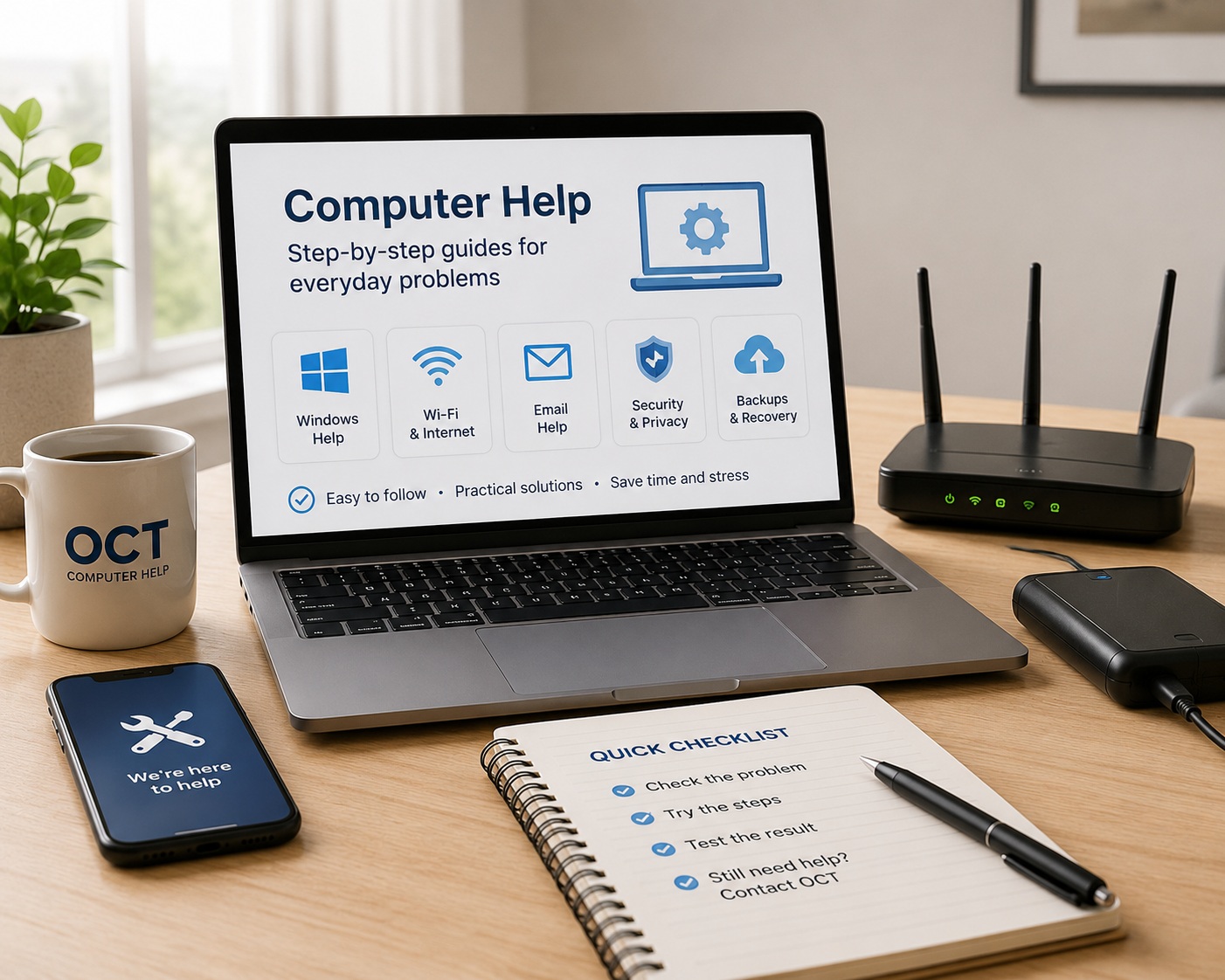
Choose the issue closest to your problem. If the repair is unsafe, time-consuming or needs testing, OCT can diagnose and explain the next step.
Learn practical backup basics for home computers, family photos, business documents and important files.
Read guide →How to plan safer backups before repairs, upgrades or data migration.
Read guide →Learn what business email compromise means, warning signs, and practical steps for small businesses.
Read guide →Understand diagnosis fees, fixed-price repairs and when extra charges may apply.
Read guide →Reduce the risk of losing files before hardware failure or accidental deletion.
Read guide →Common causes of email sending and receiving problems for home users and small businesses.
Read guide →Reduce phishing, unsafe attachments and account compromise risks.
Read guide →Learn what to do when an external drive or USB storage does not appear, and how to avoid making data recovery harder.
Read guide →Learn how to respond safely to fake virus warnings, browser pop-ups and scam support messages.
Read guide →How to keep laptops cleaner, cooler and more reliable.
Read guide →Learn what to check when a laptop will not turn on, has no display, or appears completely dead.
Read guide →Simple steps to reduce malware, scam pop-ups and unsafe downloads.
Read guide →Understand Microsoft 365 login issues, password prompts, MFA problems, locked accounts and Outlook sign-in loops.
Read guide →Understand why Outlook may not sync, open or update emails, and what can be checked safely.
Read guide →Create safer password habits for home and business users.
Read guide →Safe cleanup tasks that help Windows performance without risky shortcuts.
Read guide →Learn common reasons a printer stops printing, including Wi-Fi, print queue, driver and connection issues.
Read guide →What ransomware is and how backups and updates reduce risk.
Read guide →When remote support is suitable and when on-site service is safer.
Read guide →Practical advice on deciding whether to repair, upgrade or replace a slow, damaged or unreliable computer.
Read guide →Understand why a Windows laptop or desktop becomes slow, what you can safely check, and when professional computer repair is the safer option.
Read guide →A practical checklist for small business computers, backups, updates and security.
Read guide →Compare SSD and hard drive storage for speed, reliability and upgrade decisions.
Read guide →Learn common signs of malware, adware, browser hijackers and suspicious activity on a Windows computer.
Read guide →Understand what happens during computer diagnosis, what the $150 flat repair rate covers, and why approval is requested before extra work.
Read guide →Understand Wi-Fi connected but no internet problems, including router, modem, DNS, signal and device-specific faults.
Read guide →Common Wi-Fi checks for homes and small offices before calling a technician.
Read guide →Understand Windows Update stuck, failed or looping problems and safe next steps.
Read guide →Understand Windows 11 compatibility, backup steps and upgrade risks.
Read guide →Call or WhatsApp OCT for diagnosis and repair options.